Public developments and original analysis · Announcement date: · Sources
In a product video, a hand turns a portable speaker around just as the narration names a connector on the back. If the edit cuts away at that moment, the viewer misses the connection between the words and the action. Sand.ai launched MAGI‑2 on November 24. Higgsfield's changelog lists first access that day, and its November 25 guide adds operating and pricing details. The model can produce a longer clip with sound in one pass. The choice of what to shoot, when to cut and which elements to keep replaceable still starts with what the viewer needs to confirm.
What the hosted release offers
Higgsfield offers MAGI‑2 in its web app and API. Clips run from four to 30 seconds at 1080p and 25 frames per second. Its guide describes two approaches. The reference mode accepts materials to guide the subject, setting or sound. The frame mode uses a start image and an optional end image. A reference generation can use up to ten images, five videos and five audio files, and sound can be turned off. Sand.ai's launch post says the flagship weights and full technical report are planned for later. The August research preview is a different release. Teams that require local generation should choose by the actual weight version and license.
Sand.ai's demos include continuous transitions and scenes where a character retains a consistent appearance. The company also describes limitations. Very fast movement can have trajectory or continuity artifacts, and complex soundscapes still need work. Higgsfield recommends keeping prompts to one or two actions and one camera move for more consistent results. A longer shot can let a slow movement and sound cue play out together. Add several control close-ups, precise captions and scene changes, and the production team has more details to verify in that one shot.
Which actions deserve an uninterrupted view?
Suppose a speaker manufacturer is planning a 25-second trade-show video. Buyers need to see how a portable model moves from indoors to a patio and where its connectors are. The outside shape and the number of ports must match the unit being sold. The team could use approved product references to try a longer atmospheric transition and see whether the light changes convincingly. For model markings, button positions and the orientation of a plug, use close-up footage of the real product or an approved rendering. If the voice-over states specifications or conditions of use, keep it on its own track so individual lines can be replaced.
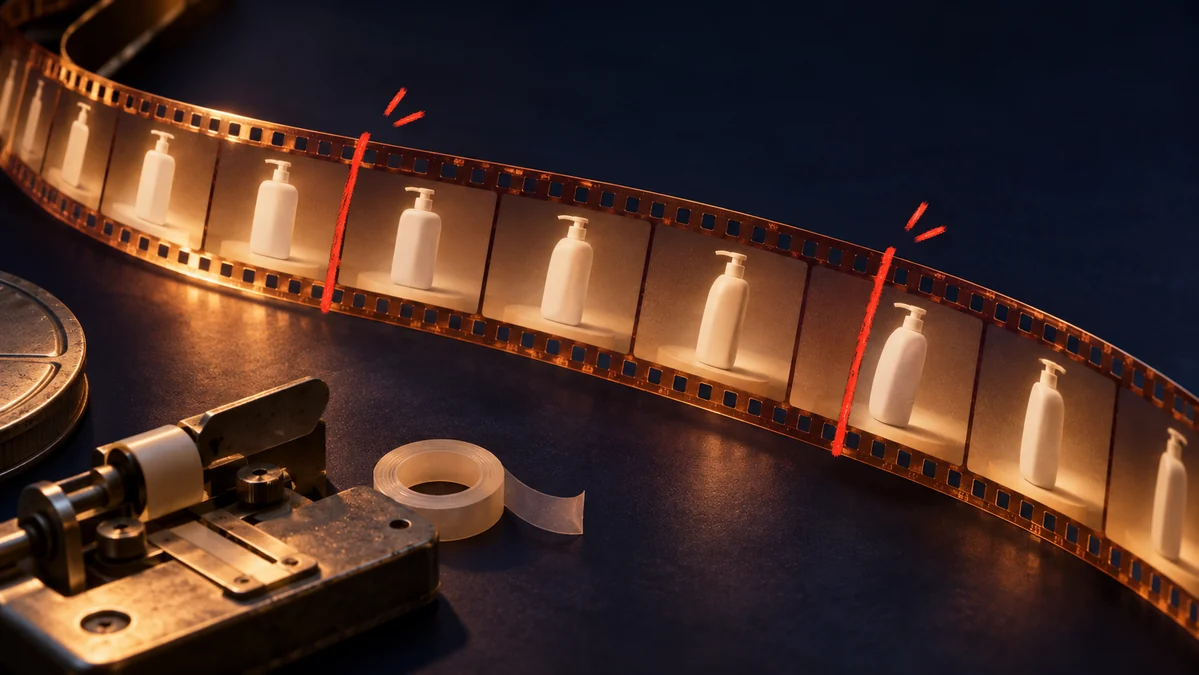
Short shots bring their own cost at the joins. Hands may land in different places across two generated clips. Light or product orientation can change abruptly. An action the viewer needs to see in full, such as lifting the speaker and setting it down, can be generated as one shot and trimmed in the edit. Specify the starting pose, end position and order of actions, then check the entry and exit points against neighboring shots. If the transition still fails to match the close-up, try a cut the viewer can follow, such as showing the ports after the hand moves away.
Budget for revisions to the finished cut
Higgsfield's November 25 guide lists API pricing of $0.08 per second, or $2.40 for one 30-second generation. At that rate, three attempts at the full shot would cost $7.20. If the edit can accept a local replacement, one 30-second run followed by two eight-second attempts would cost $3.68 in generation fees. This example covers generation only. Preparing references, waiting for results, reviewing them, recording new voice-over and matching the edits all add cost. The apparent saving can disappear if separate clips need extensive color matching or timing adjustments.
How the assets are built changes the cost of a revision. If the product, brand copy and event date are all generated into one shot, a date change can force the team to remake otherwise usable footage. A separate caption layer allows a smaller edit. When the product is final but distribution is still uncertain, review the action first and adapt the layout to vertical or horizontal placements once the channel is confirmed. Before extracting a shorter cut, check that those seconds still explain the action on their own.
At planning time, record what each shot needs to establish, which details can vary and where revisions are most likely. Show dates and distribution information can live on a separate caption layer. Try native audio and video where the action genuinely needs to line up with sound. Record generated seconds, accepted seconds and time spent fixing each attempt. If several tries still obscure essential product details, move to footage and editing. Longer generation earns the time when an action needs to be seen in full and the results can be checked against dependable references frame by frame.
Sources
- Sand.ai, MAGI-2 flagship release
Source published: · Accessed:
- Higgsfield, MAGI-2 operating guide and pricing
Source published: · Accessed:
- Higgsfield, Creator Hub changelog
Accessed:
- Sand AI Platform, Model & Pricing
Accessed:
Mokyun Editorial · neo@mokyun.com
