Public developments and original analysis · Announcement date: · Sources
In Google’s Project Genie demonstration, a café on a hillside can become a glass pavilion in a desert. On November 18, Google began rolling out an updated browser experience to eligible AI Ultra subscribers. It added Genie 4, a conversational creation assistant and a community gallery for exploring and remixing worlds. AI Pro users can join a waitlist. Some testers had access to a Genie 4 research preview in October. The November change brings it into a product that qualifying subscribers can try alongside the still images, videos and interactive mockups they already use.
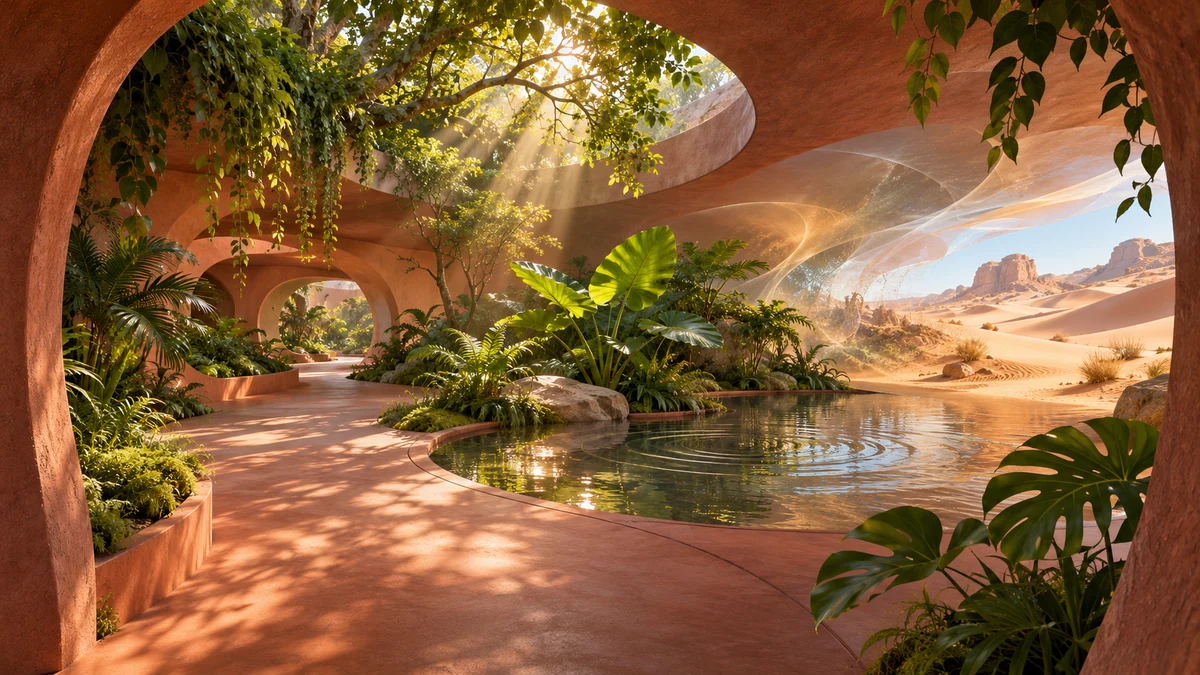
Project Genie generates a scene as the viewer navigates and issues prompts. Genie 4 can add synchronized ambient sound and dialogue. The creation assistant can help establish a visual style and soundtrack before the session, and the viewer can use text to change the scene while exploring. Google also updated Genie 3 with runs of up to three minutes per generation, linked worlds and support for starting from panoramic images. The three-minute figure refers to Genie 3. Google Labs explains that replaying a live experience can yield different results.
Walk through an exhibit proposal
Suppose a brand team is planning a pavilion for a new product. Two proposals use the same materials and exhibits. One brings visitors to the physical display first, while the other introduces it with a short audio explanation. A rendering can make both proposals look appealing, and a floor plan shows where the cabinets go. A walk-through lets reviewers enter at their own pace and consider what attracts attention between the entrance and the display. Start with one decision. Does seeing an object first encourage people to pause, or does an audio cue make the object easier to understand? Capture observations that bear on the choice, such as a panel hidden by a corner or a cue heard from the wrong standing position.
An internal walk-through can surface things the designers missed. To learn what visitors might notice, invite a few people close to the intended audience and let them describe what they saw before asking about the key exhibit. Use those observations to decide what to test next. The generated scene changes with different routes. Measuring foot traffic or dwell time calls for a consistent mockup or observation at the site.
It is easy to try a different prompt, but it may change the light, the display position and the sound source together. When several details move at once, a single playthrough rarely tells the team which design change mattered. Give the same reviewers comparable starting points, save the moments that changed their view and note what differed in each version. For decisions about pacing, atmosphere or the first point of focus, a few representative clips may be enough for the next round. If the question is how far people must walk before they can see an exhibit or whether a group fits, switch to a prototype with fixed geometry. A new passage generated on replay would change the proposal being judged.
What to hand over and what to share
Keep a record of the scene in a form that fits the handoff. Google Labs lets users download a video of a specific playthrough. Design, sales and production can refer to that recording when they discuss what they saw. Replaying the interactive experience can change the images or events. For construction, hand over a fixed route, equipment specifications, the intended audio and any required text, with the measurements and approvals still needed marked on the drawings. Google’s model card also lists object permanence, spatial accuracy, readable text and complex interactions as areas of ongoing research. Walking through a generated doorway may show where to measure. Installation decisions still depend on the site, a repeatable model or professional checks.
The gallery makes a concept easier to circulate and changes who can see its ingredients. Google Labs says that when a creator shares or publishes an experience with remixing enabled, others can see prompts, images and other assets and use them in their own remixes. When a proposal contains an unannounced design or client material, the production owner should determine what can go to an external tool, what can be published and which format meets the client’s review needs. An approved video or still may be enough to show the relevant people a selected moment. If reviewers need to explore additional routes, make a separate interactive version with materials approved for sharing.
A rendering or storyboard is easier to price and sign off when the deliverable is a fixed image. A walk-through is worth adding when the team has genuine questions about how people will explore, and changing the answer after construction would be expensive. Bring a few production decisions into the session, preserve the moments that shaped the review and carry the agreed details into the drawings. Another generation is useful when it answers an unresolved question.
Sources
- Google, Genie 4 is now available
Source published: · Accessed:
- Google Labs Help, Get started with Project Genie
Accessed:
- Google DeepMind, Genie 4: A new generation of world simulation
Source published: · Accessed:
- Google DeepMind, Genie 4 Model Card
Accessed:
Mokyun Editorial · neo@mokyun.com
