Public developments and original analysis · Announcement date: · Sources
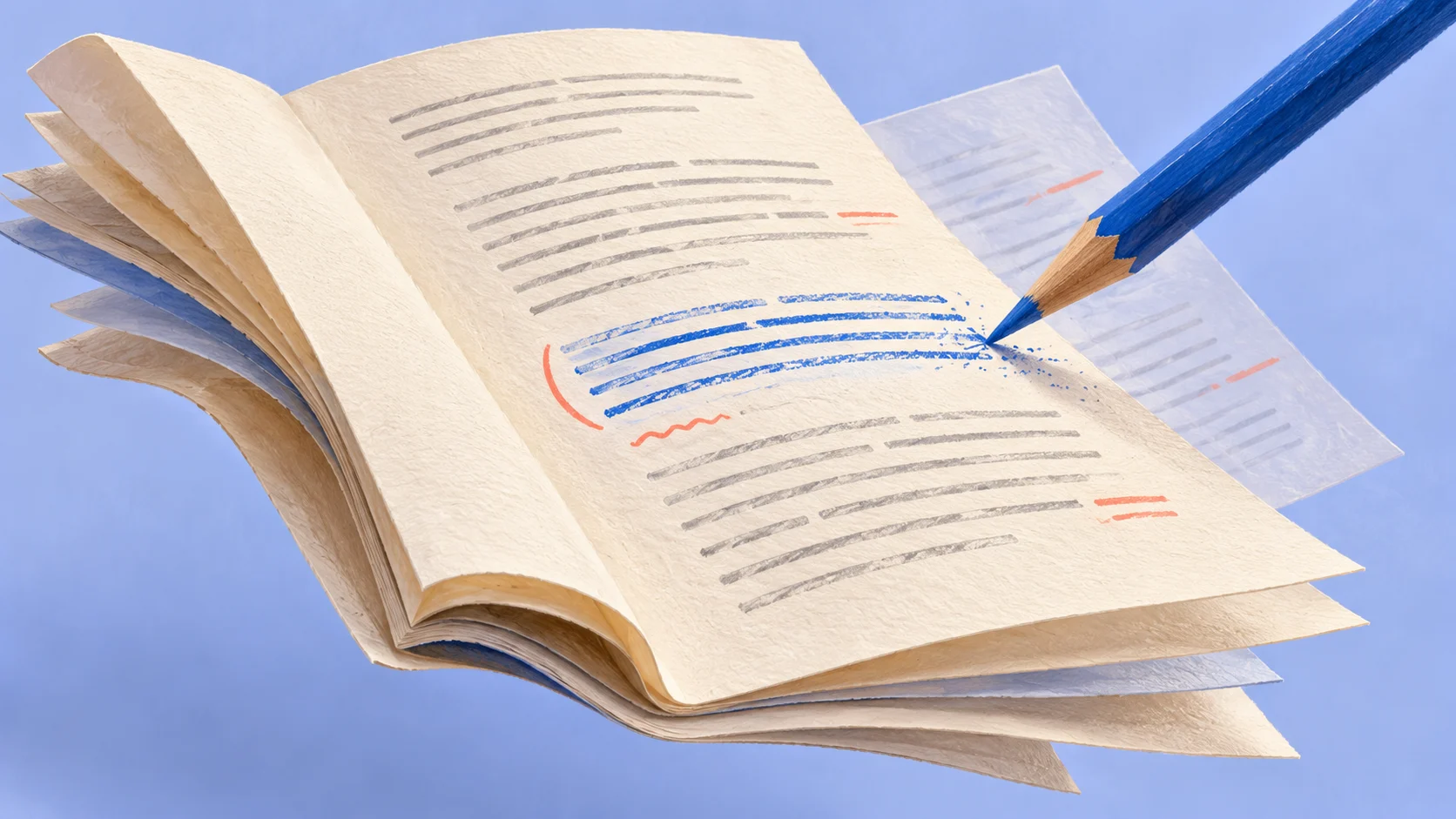
Google announced inline file generation, preview and editing in the Gemini app on October 29. Users can edit directly or select part of a file and ask Gemini to revise it. For someone who repeatedly copies a response into a document and returns to chat for changes, this removes a transfer. Reading and revision can continue around a file rather than another block of text.
The announcement distinguishes platforms. PDF preview and editing work on web and mobile; the other listed formats are supported on web. Availability follows the countries and languages where the Gemini app is offered. A team should confirm behavior on the device it intends to use. A web demonstration cannot establish mobile delivery.
Consider a hypothetical sales team preparing a proposal from a customer discussion and product material. A file that opens within the conversation lets someone read the draft, change a paragraph, request an explanation and continue through the document. Local revision resembles the way people work on documents more closely than repeatedly asking for an entirely new response.
Checking the consequences of an edit
Local editing is useful because part of a draft is usually worth retaining. The product background, purpose and broad structure may already be acceptable. One applicability condition or customer concern needs attention. Limiting the change reduces rereading and makes the difference easier to inspect. Selecting a passage defines an editing location; it does not settle the consequences for the whole proposal.
In that scenario, making a feature optional in the service description could affect the pricing explanation, implementation plan and feature table in an appendix. The revised paragraph may read well while the appendix still makes another commitment. A useful revision identifies those related locations and determines whether to update them together or explain a deliberate difference. Whether a particular tool can perform that check needs observation on actual files. Editing support alone does not establish it.
Complete formatting establishes a readable form. It leaves questions about the product version behind a parameter, whether a customer condition is confirmed, and whether an example can be disclosed. A polished draft may look finished sooner than its evidence warrants. Review should retain the material that explains a commitment, rather than treat the number of generated pages as a result.
Good preparation makes local changes more actionable. A reviewer can identify a replacement source or a newly confirmed condition and ask for the relevant wording to change. With fragmented chat notes, the model may have to infer which information remains current. The reviewer may then struggle to distinguish an unclear instruction from missing evidence. Additional style instructions rarely solve that information problem.
Mokyun’s content and knowledge solution directions can contribute to preparation: organizing authorized customer requirements, current product material and publishable examples, preserving sources, and drafting with unresolved points visible. When work passes into a file editor, the reviewer should be able to identify source versions and open questions. This is a proposed division of work. Access to business systems, model choice and transfer to a particular editor need environment-specific verification; the Gemini announcement does not establish an existing Mokyun connector.
Choosing the shared working version
Once colleagues join, the question expands from whether a passage is ready to which file everyone is editing. Google describes routes into Slides and Sheets, as well as downloads and file uploads. Those exits help move work. The team still needs to decide which document receives subsequent changes. One colleague could continue in chat while another edits an exported copy, leaving useful local changes without a common current version.
For a team already using collaborative documents, moving an agreed draft into its existing workspace may be easier than introducing another versioning convention. Chat can retain questions and generation history, while the shared document records decisions. The choice depends on who continues editing, who sends the proposal and what records the existing tools preserve. Completing more actions in one interface is insufficient reason to move colleagues into an unfamiliar editing method.
Exports need to be checked for their intended use. A PDF for printing needs sound pagination, tables and attachments. A presentation for further editing needs editable content, usable fonts and a layout that survives revision. An internal preview does not establish that the recipient receives the right version. Inspecting the delivered file is how a team finds these differences. They remain ordinary document responsibilities when editing begins in Gemini.
The update is a useful candidate for work involving repeated changes to wording and structure. Filling a few known fields may still be easier with a template or form automation. Material that depends on several sources and several rounds of discussion has more to gain from editing while reading. Evaluate whether people repeat less copying and searching, and whether commitments remain consistent after changes. Generation speed alone cannot establish completion.
Inline editing shortens the distance from a draft to its next revision. Organizations still need arrangements for evidence, collaboration and the final version. With those responsibilities connected, a new editing surface can support delivery rather than simply accelerate the creation of copies.
Sources
- Google Workspace Updates: inline file editing
Source published: · Accessed:
- Google: preview and edit files in Gemini
Source published: · Accessed:
Mokyun Editorial · neo@mokyun.com
